Greetings 👋
I work as a technical producer in the world of corporate AV. Before this I spent almost seven years designing and installing live streaming and podcast studios, while also working in production as both a sound recordist and sound designer; it was my passion for sound that led me on this path. I'm particularly interested in HCI, music production, and the intersection of the two fields.
Since 2011 I've also maintained a Drupal based e-commerce site with over eight thousand products. Read about that saga in my blog, if you like.
Live Video Production Tools
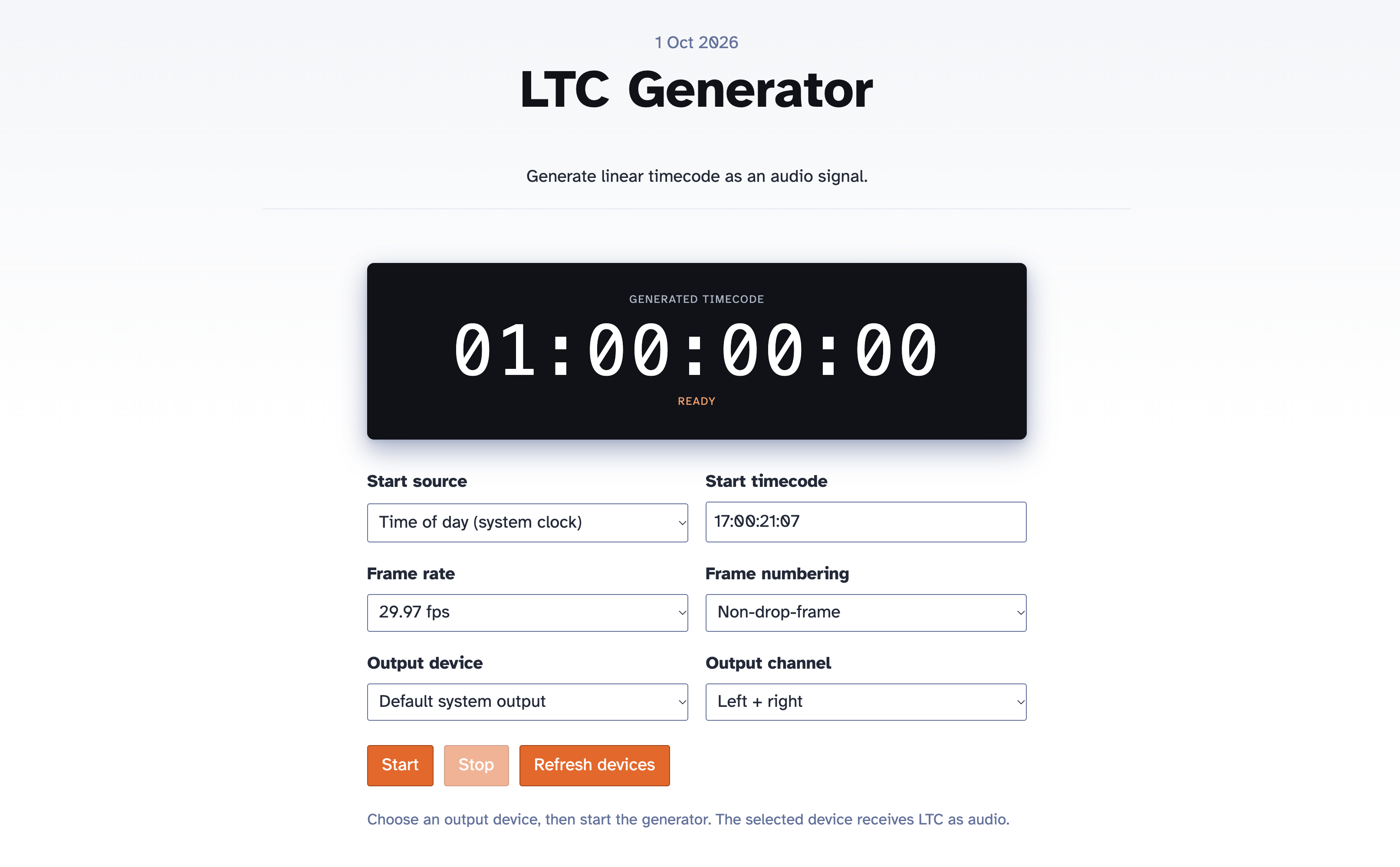
Timecode Generator
Generate linear timecode as an audio signal with selectable frame rates, drop-frame numbering, output devices, and channels.

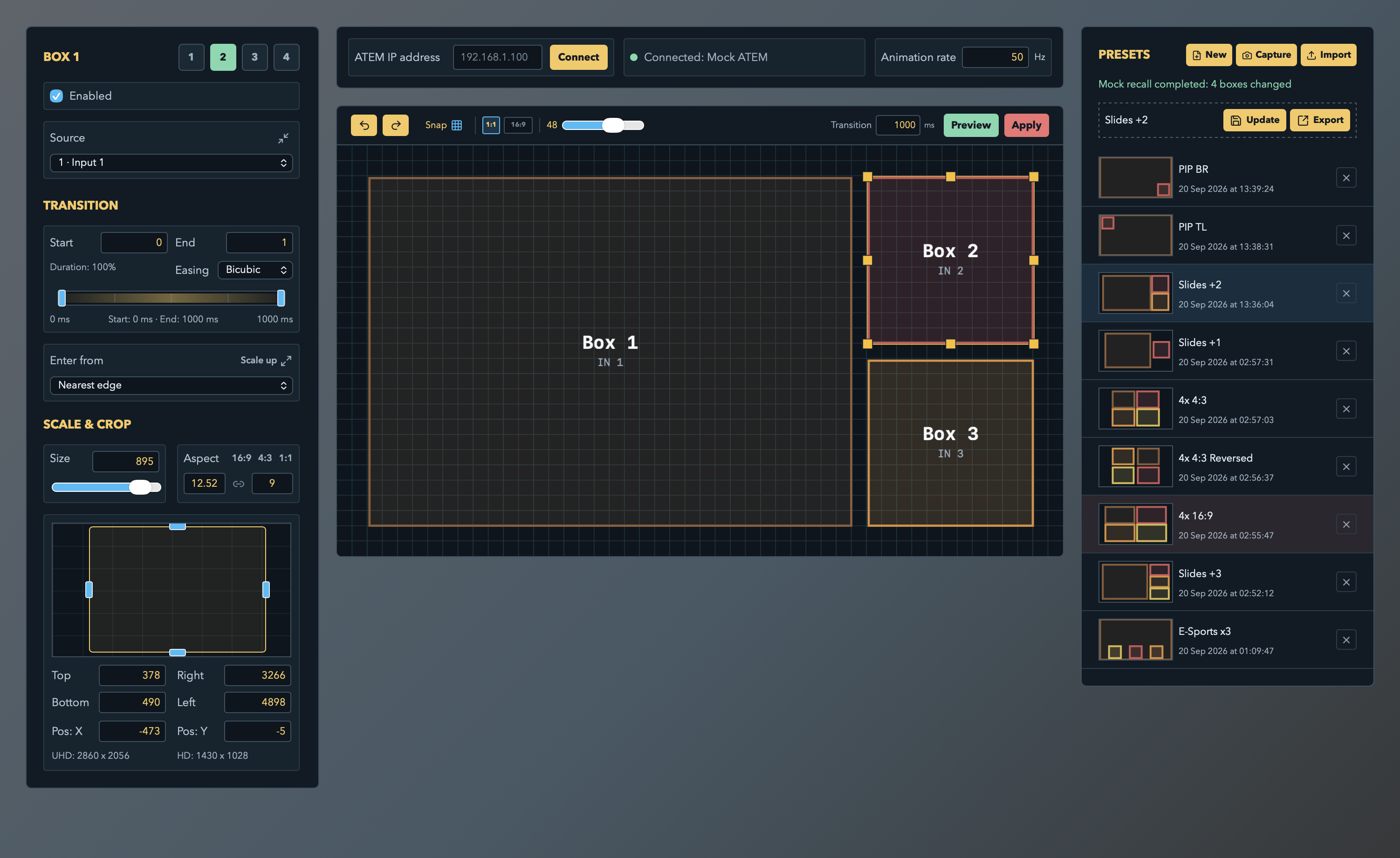
ATEMotion
A SuperSource animation app for the ATEM video switcher, with a plugin for Bitfocus Companion.

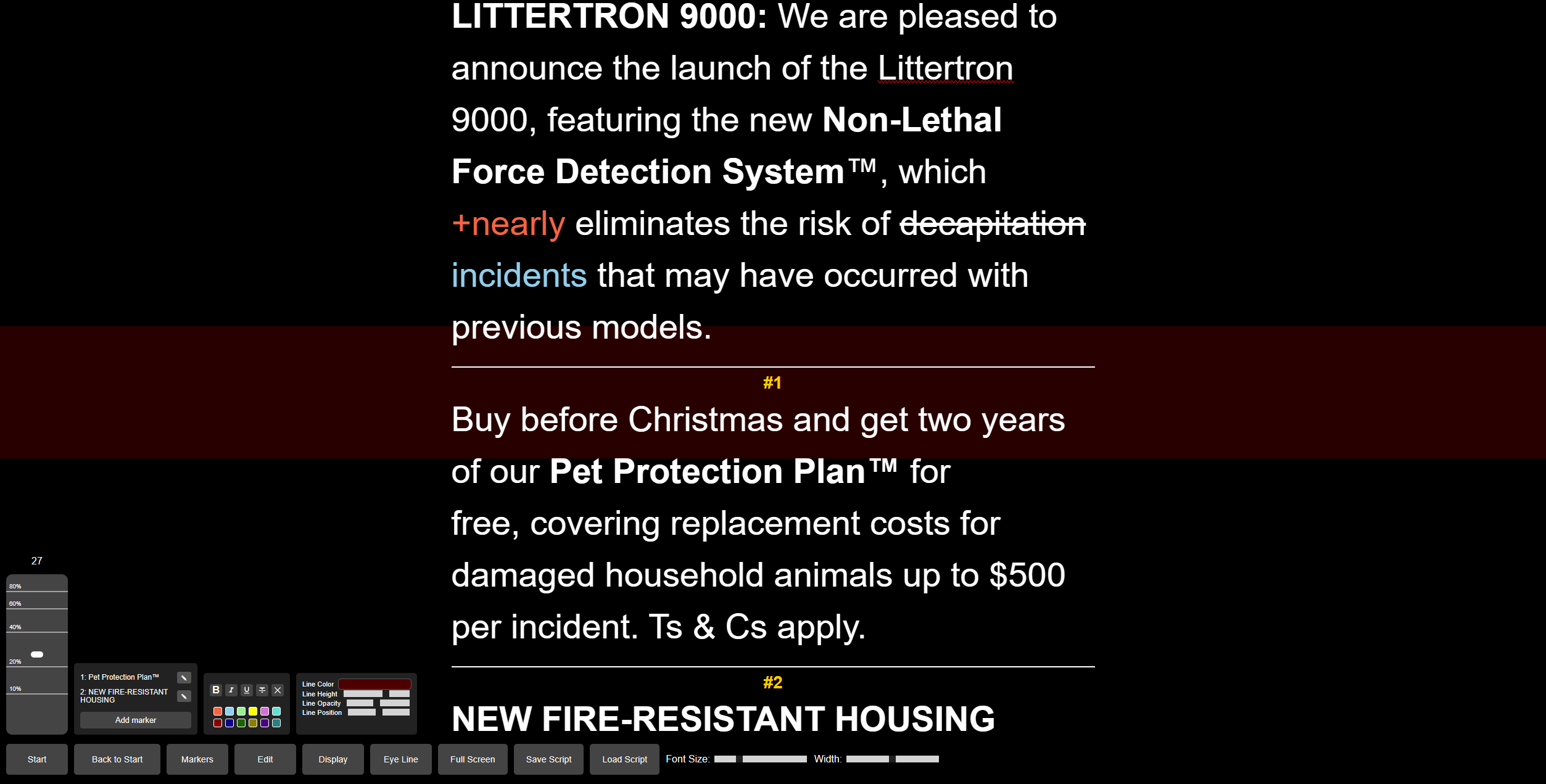
LiteCue Teleprompter
A free, lightweight teleprompter that I knocked up in a few hours. Features desktop-friendly speed control, text formatting, markers, adjustable eyeline indicator, and the ability to save and load scripts as HTML, with files and clipboard contents filtered through DOMPurify.
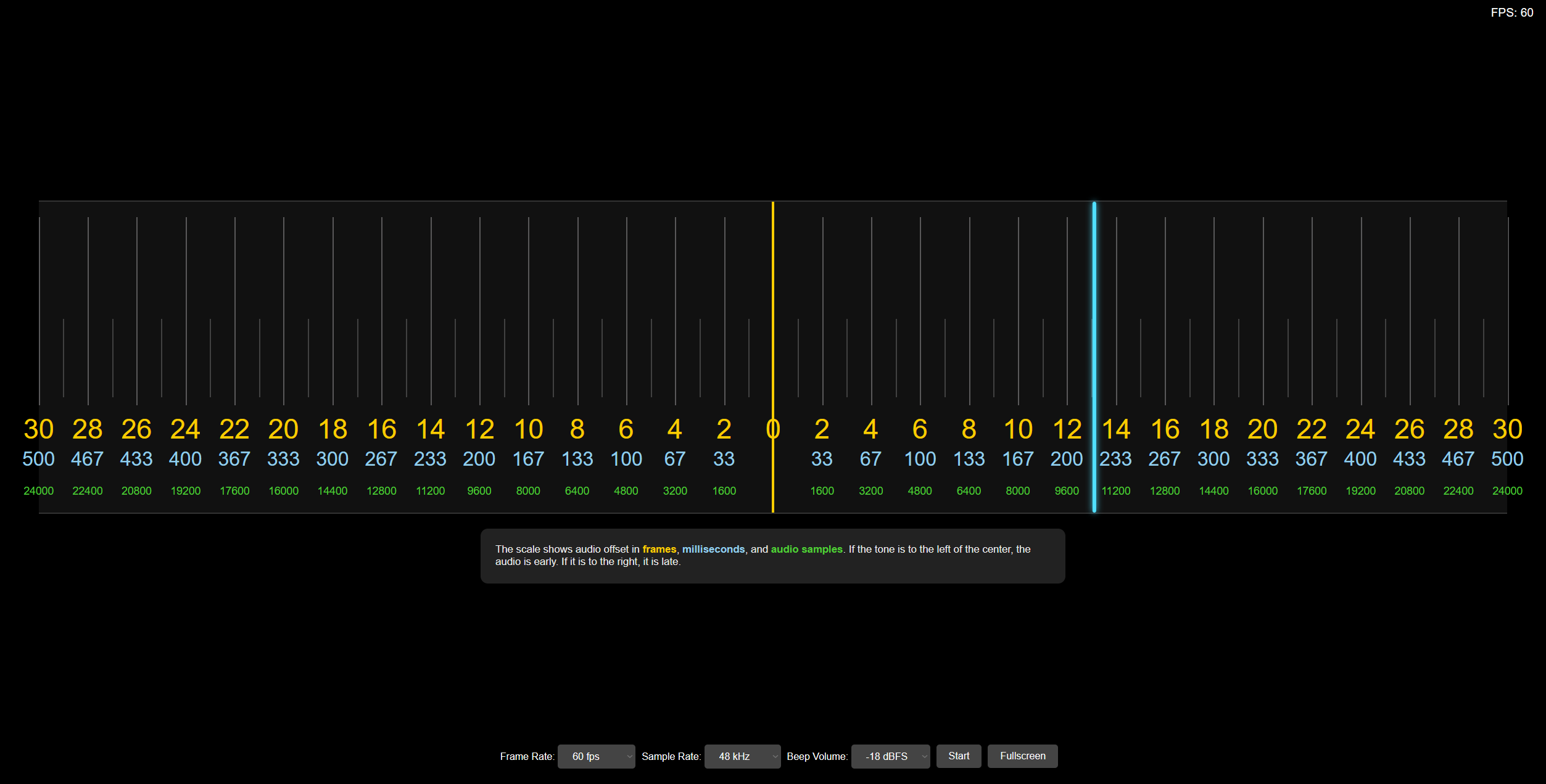
Sync Test
A simple tool to help measure audio / video offsets, with selectable framerate. Tools like this can only get you within about a frame, but it’s fast, free and that’s close enough in most cases.
Broadcast Clock
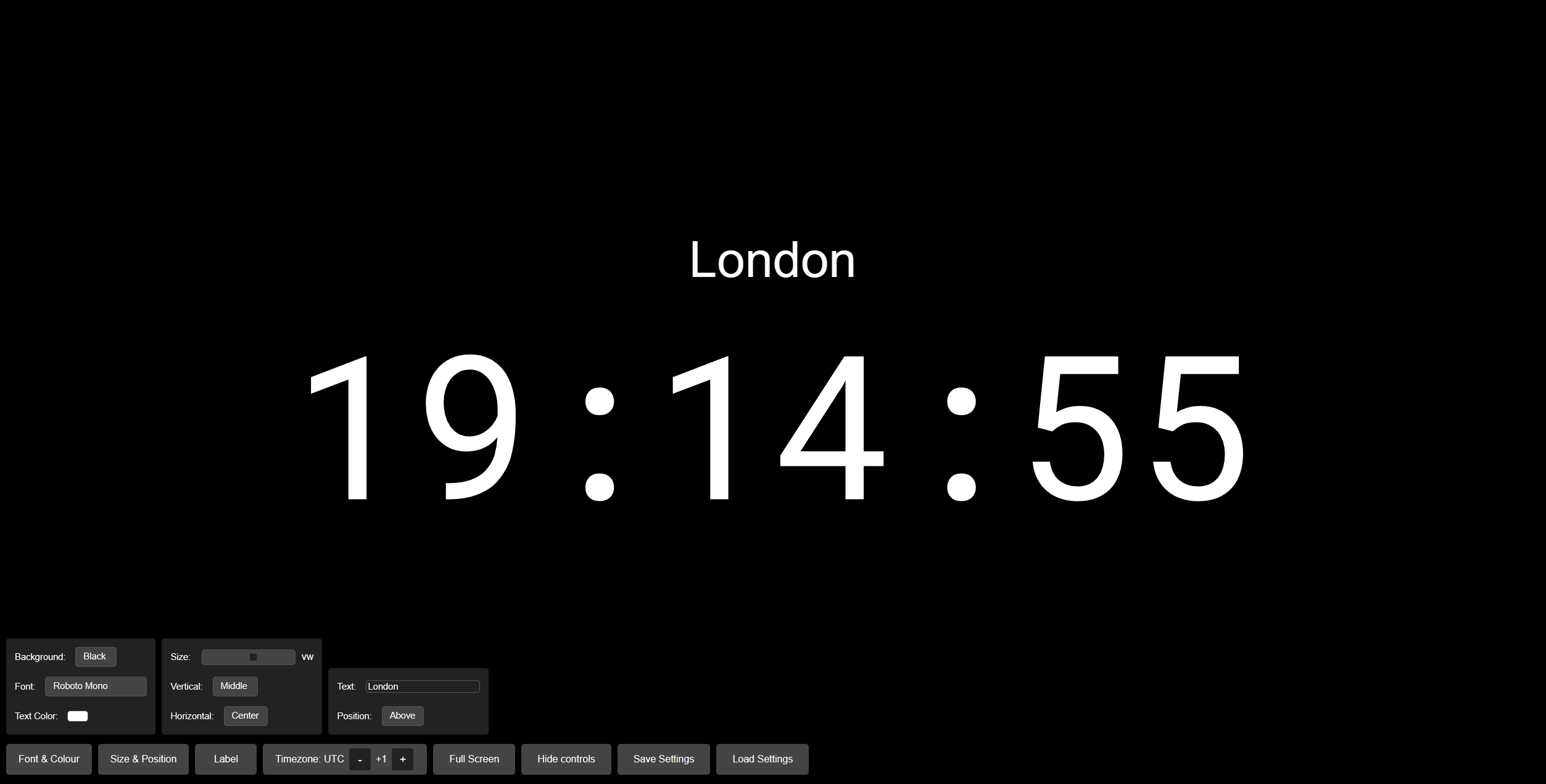
A very configurable clock which gets the current time from WorldTimeAPI, which is an HTTP API that provides the time in any timezone as JSON. It’s not NTP, but it’s good enough for jazz.
Keep awake is enabled automatically on supported browsers to prevent automatic display sleep while the clock is visible, including in fullscreen or with its controls hidden. Select the button to turn it off or on. The status inside the button shows On when the screen wake lock is active, or Off otherwise. Errors are logged only in the browser console; click the button to retry a failed request. This requires HTTPS and a browser supporting the Screen Wake Lock API. The clock requests the lock again when you return to its tab; power-saving settings can still release or refuse it. It does not override closing the laptop lid or manually putting the computer to sleep. The preference is not included in saved settings and defaults to on each time you open the clock.
Use Hide controls for an uncluttered display, then press any key to reveal them again.
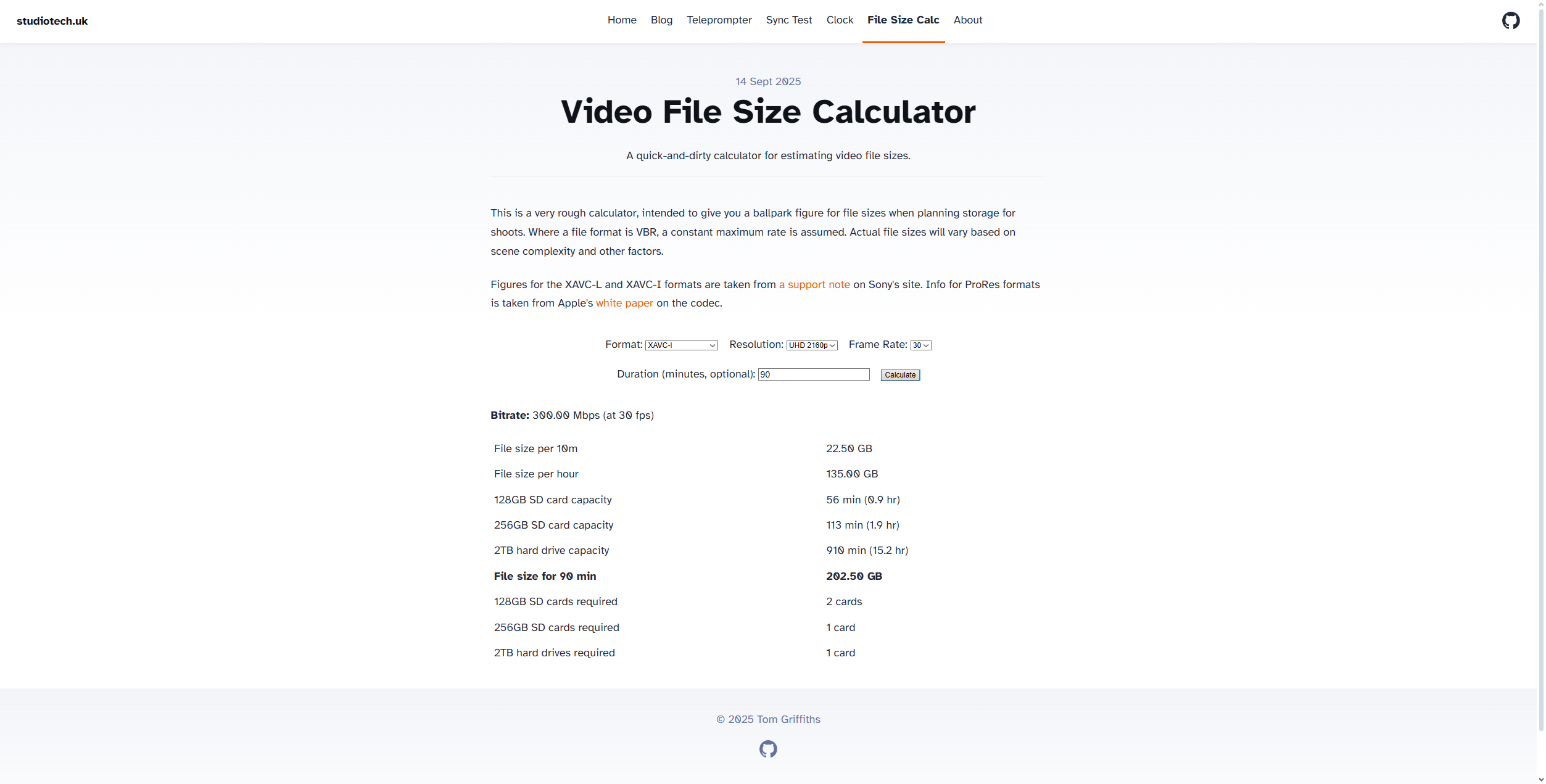
Video File Size Calculator
A quick and dirty file size estimator for our ‘daily driver’ file formats.